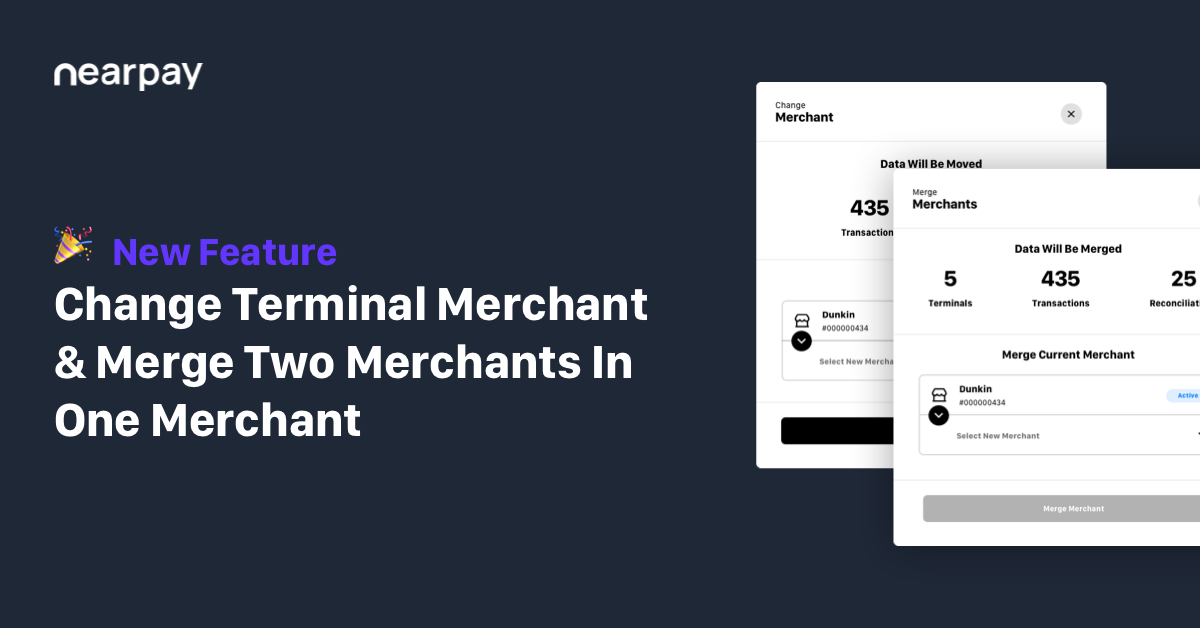
Move the Terminal from one merchant to another
August 22, 2023
Dear Partners,
We are glad to announce the ability to move the terminal from one merchant to another and merge two merchants in one merchant from the HUB dashboard.
The feature will help you with the following:
- Move Terminal
You can move one terminal from one merchant to another by going to the HUB dashboard and following the steps:
Go to terminal details -> click on change merchant -> select the new merchant > click move merchant
- Merge Merchant
You can merge two merchants into one merchant by going to the HUB dashboard and following the steps:
Go to the merchant page -> Click on the merchant you wish to merge -> click merge merchant > Select the new merchant -> click merge merchant