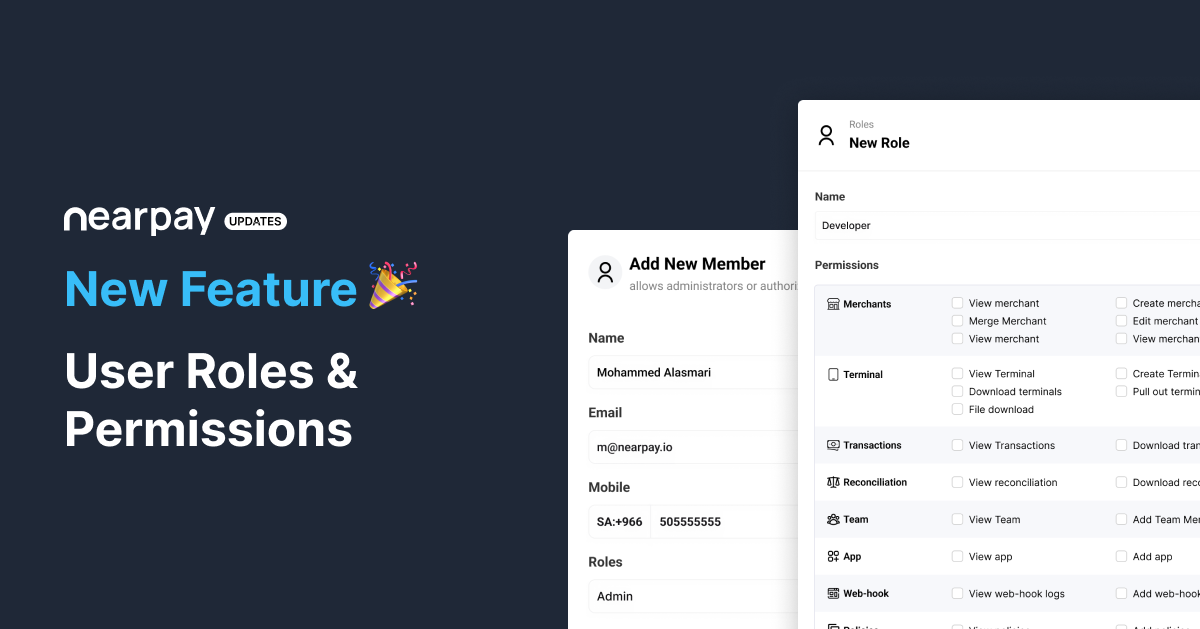
User Roles & Permissions
April 25, 2024
Dear Valued Partners,
We are excited to announce that user roles & permissions is available now. Now you will be able to define and control access of your dashboard users.
In order to create user roles please do the following:
Go to your dashboard then choose teams.
Press on Roles Management then press on the Add Role button.
Type the role name and choose the permissions you want to grant to this role, then press on create.
Go back to members, then press on edit button next to the user you want to assign him/her to this role.
In the role field, choose the role you previously created then press on save.
Thank you for your continued support.