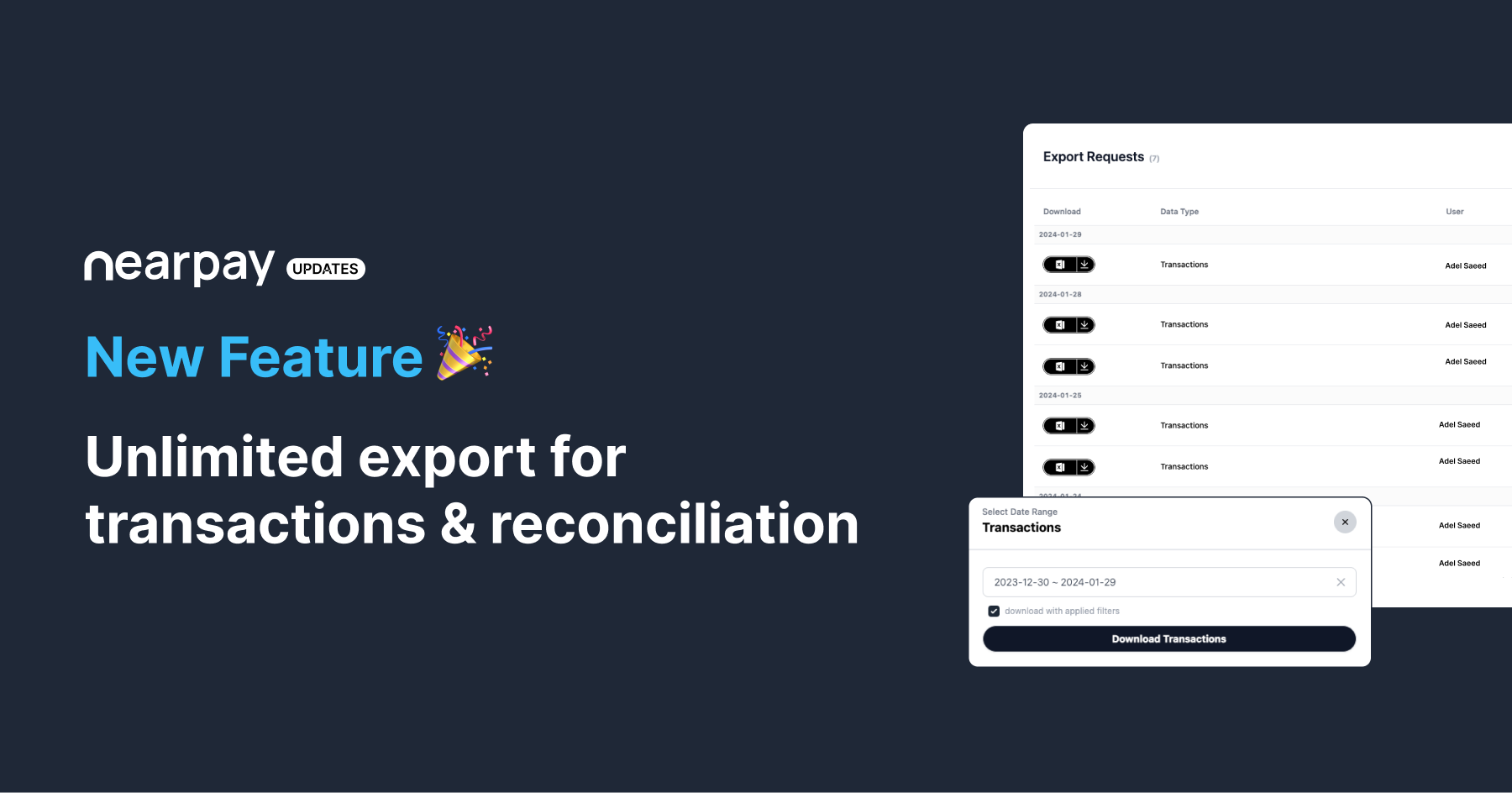
Unlimited export for transactions & reconciliation
January 29, 2024
Dears Valuable Partners,
We are excited to announce that, data export is now available for transactions and reconciliations. You will be able to export your data in a very organized way without any limitations!
In order to do a data export from your dashboard please follow these steps:
Go to Transactions or Reconciliations page.
You can filter the data by pressing the filter button on the right side, or you can just keep the data as it is.
To export the data, you will find on the left side export button Press on it.
You will find download with applied filters checkbox, it will allow you to export the data with the applied filters if checked, otherwise, you can leave it unchecked.
Press on download transaction then you will be redirected to an Export Requests page.
Find the download icon next to each row, you can click it to download the file.